
Battery Voltage Measurement - Arduino Uno
-

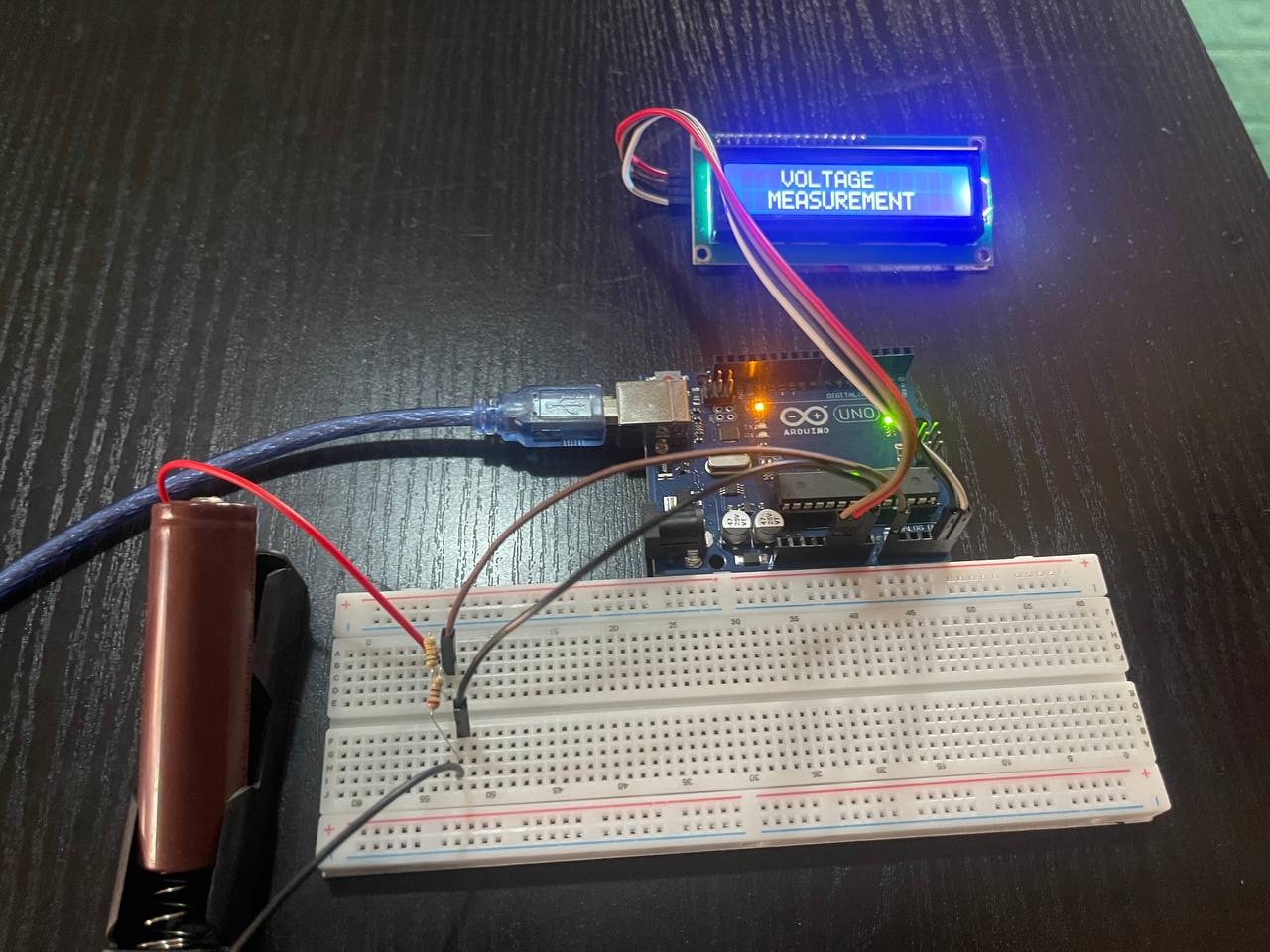
- Battery voltage measurement: startup screen
-
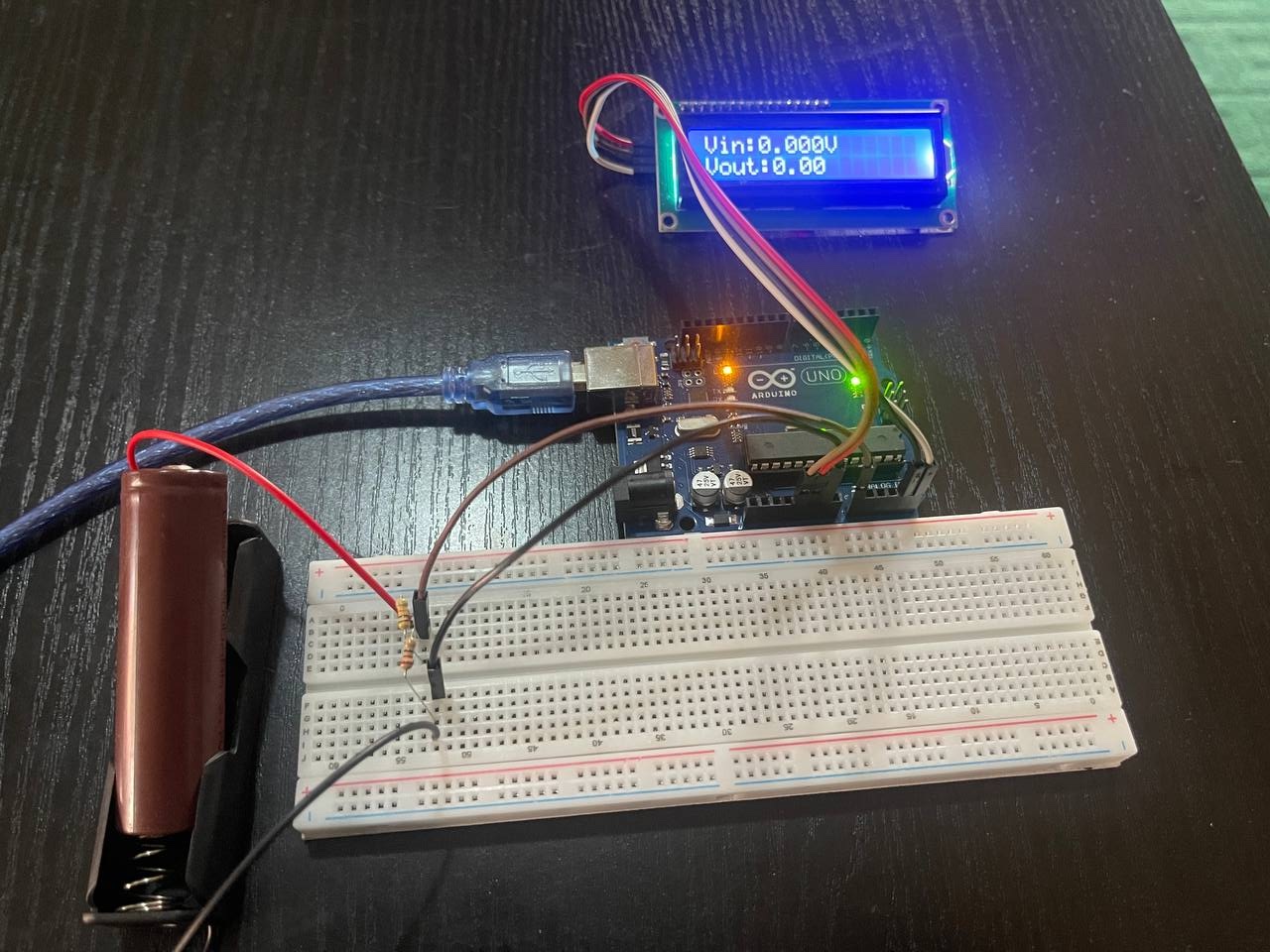
- Battery voltage measurement: No input
-
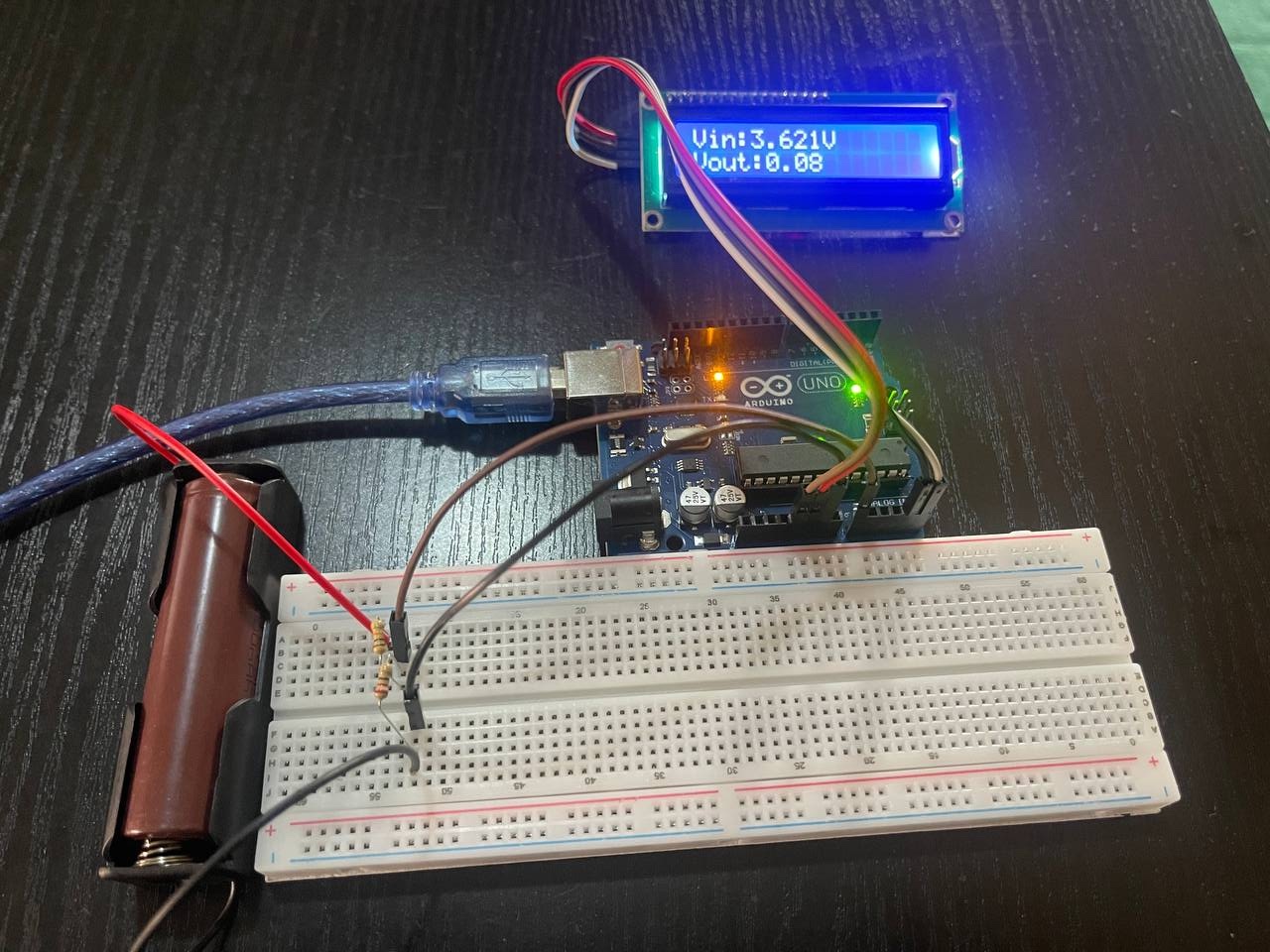
- Battery voltage measurement: Measuring & Displaying
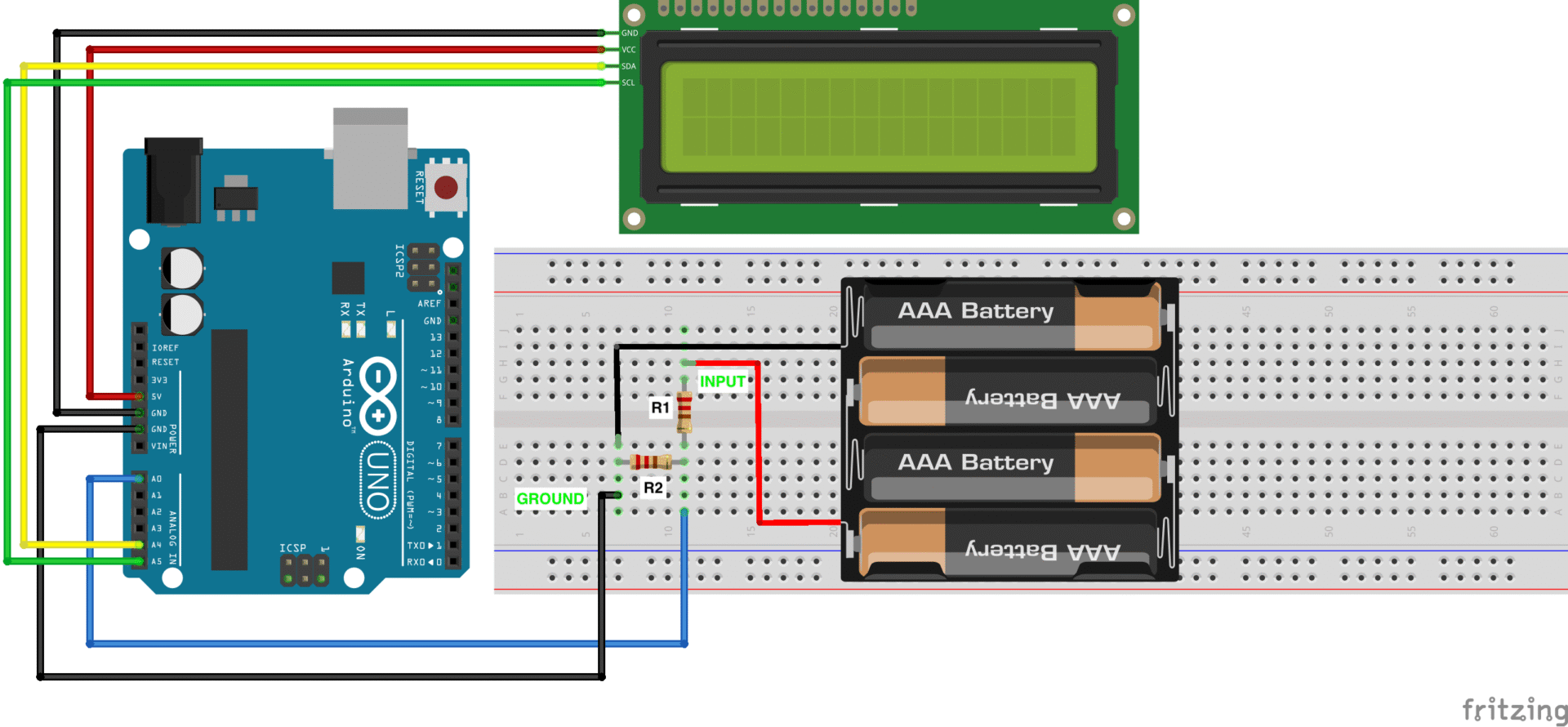
This project measures the voltage of a Li-Po battery using an Arduino and displays the reading on an LCD. Since the battery voltage is higher than the Arduino’s 5V analog input limit, a voltage divider is used to scale the battery voltage down to a safe range. The divider consists of a 1kΩ resistor (R1) and a 220Ω resistor (R2) connected in series.
Warning: Extra care should be taken to connect the terminals correctly negative (-ve) terminal of the battery to GND and the output of the battery/voltage source to the input of the voltage divider. Do NOT measure 100V-240V AC from the wall AC terminal
The battery positive terminal connects to R1, the junction between R1 and R2 goes to the Arduino analog pin, and R2 connects to ground.
The Arduino reads the reduced voltage, converts the analog value to a digital measurement (0–1023), and then calculates the actual battery voltage using the voltage divider ratio. A 16×2 I2C LCD is used to display the measured battery voltage in real time. A battery is used as the test voltage source, allowing accurate voltage monitoring for battery-based systems such as portable electronics and IoT devices.
- Arduino Uno
- Jumper wires
- LCD
- Resistors
- R1 1kΩ [Brown-Black-Red-Gold]
- R2 220Ω[Red-Red-Brown-Gold]
- Breadboard
- Battery/Voltage source
#include <Wire.h>
#include <LiquidCrystal_I2C.h>

// Change address if your module uses 0x3F etc.
LiquidCrystal_I2C lcd(0x27, 16, 2);

const int analogPin = A0;
const float R1 = 1000.0; // top resistor (ohms)
const float R2 = 220.0;   // bottom resistor (ohms)
const float ADC_REF = 5.00;  // ADC reference voltage (V). Use measured Vcc for better accuracy
const int ADC_MAX = 1023;    // 10-bit ADC

void setup() {
  lcd.init();
  lcd.backlight();
  Serial.begin(9600);
  lcd.print("   VOLTAGE ");
  lcd.setCursor(0,1);
  lcd.print("  MEASUREMENT");
  delay(3000);
}

float readAverageADC(int samples = 10, int delayMs = 5) {
  long sum = 0;
  for (int i = 0; i < samples; i++) {
    sum += analogRead(analogPin);
    delay(delayMs);
  }
  return (float)sum / samples;
}

void loop() {
  float adc = readAverageADC(20, 3); // average 20 readings
  float vout = (adc * ADC_REF) / ADC_MAX;      // measured at divider midpoint (node A)
  float vin = vout * (R1 + R2) / R2;           // actual input voltage

  // Display on LCD
  lcd.clear();
  lcd.setCursor(0,0);
  lcd.print("Vin:");
  lcd.print(vin, 3);   // 3 decimal places
  lcd.print("V");

  lcd.setCursor(0,1);
  lcd.print("Vout:");
  lcd.print(vout, 2);

  // Serial debug
  Serial.print("ADC: "); Serial.print(adc);
  Serial.print("  Vout: "); Serial.print(vout,4);
  Serial.print("  Vin: "); Serial.println(vin,4);

  delay(800);
}
- This project can serve as the basis of a battery voltage monitoring system to cut off the battery when a certain voltage is reached to avoid over-discharging the battery
- The readings from a sensor can be converted and displayed on the LCD
- Voltage readings can be transmitted over the Internet to a server or via SMS
We recommend using bigger resistors such as 10kΩ, 20kΩ to reduce current drain for battery measurement applications. This will mean having to convert the raw ADC readings which should be a fun challenge.