
Infrared Controlled RGB LED- Arduino Uno
-

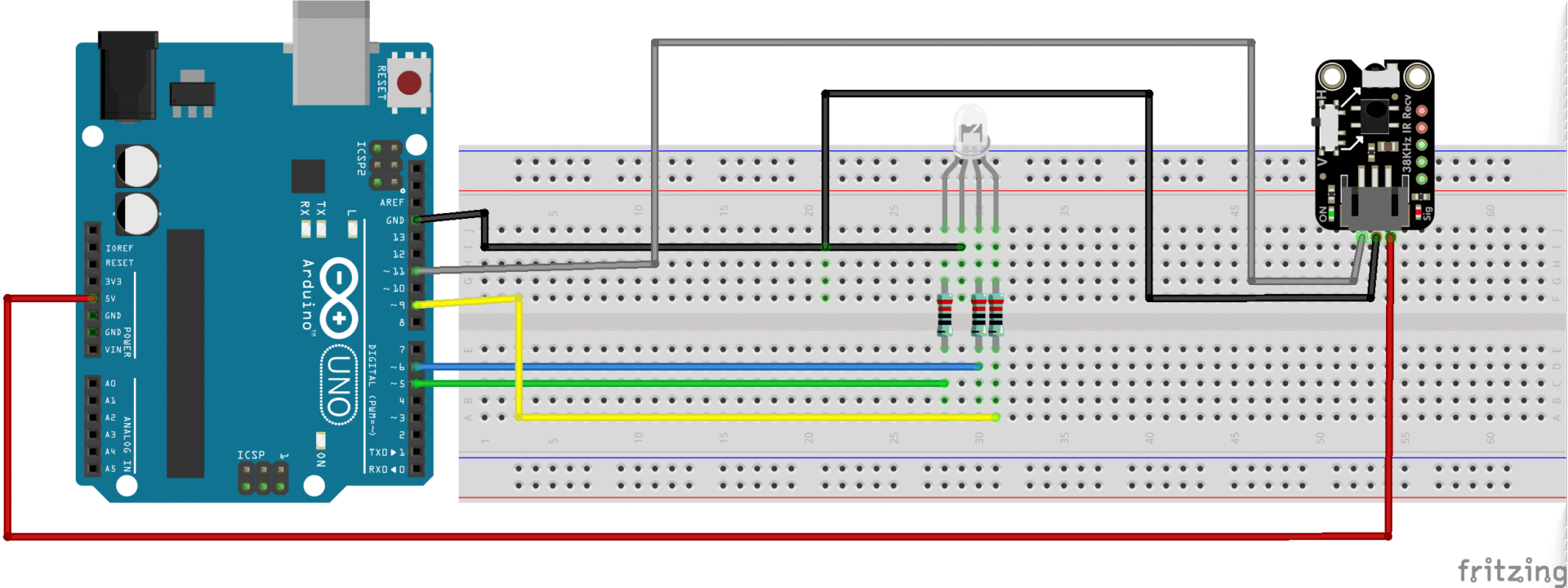
- Set to RED with IR Remote
-
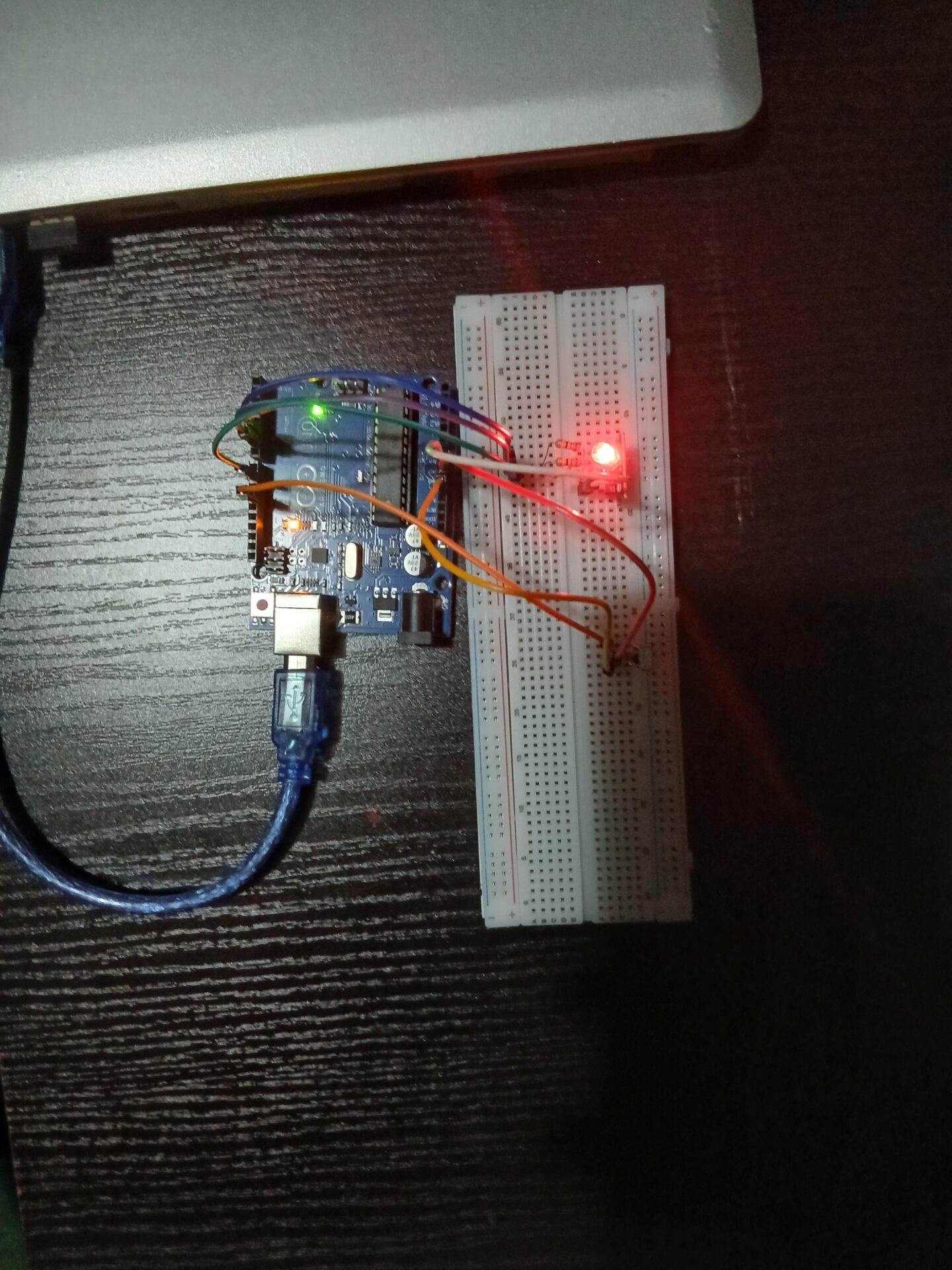
- Set to Green with IR Remote
-
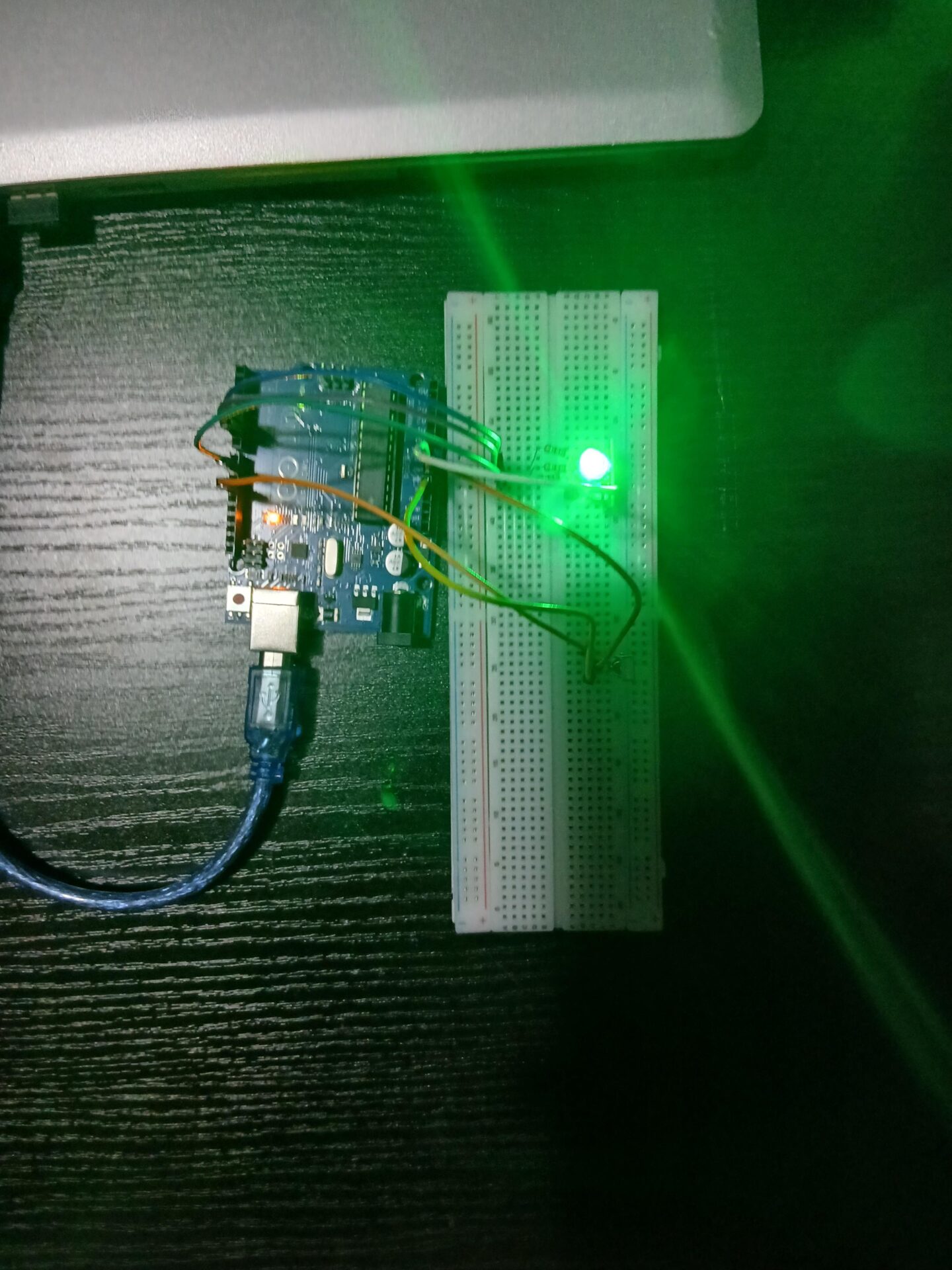
- Set to Blue with IR Remote
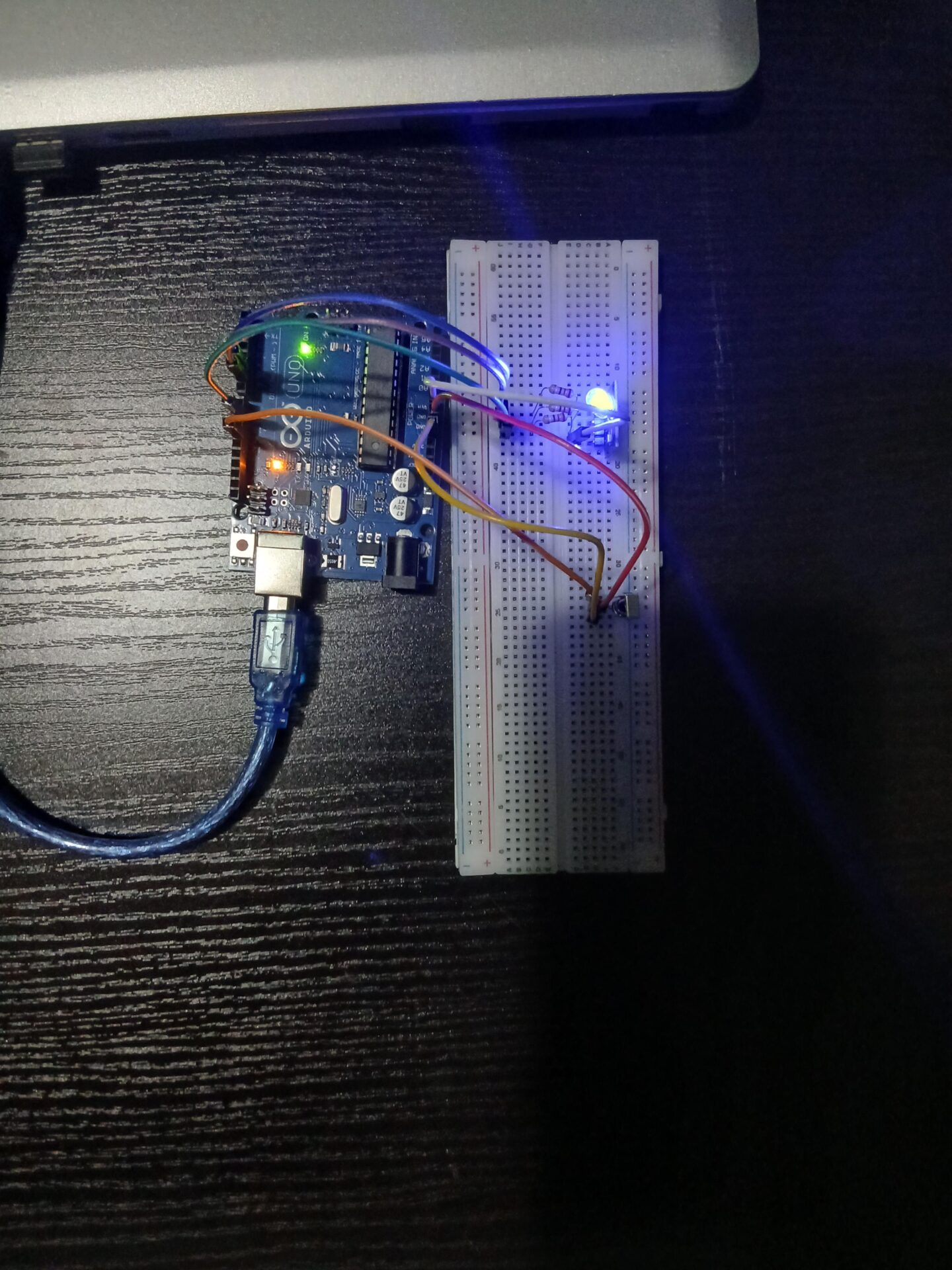
An IR-controlled LED light system uses an infrared remote and an IR receiver to wirelessly control the switching and brightness of an LED light. The IR remote sends coded infrared signals, which are detected by the IR receiver module, the code are known and assigned with the help of “Remote button” which displays each buttons code HEX number. These signals are decoded and used to turn the LED on or off, adjust brightness, or even change lighting modes depending on the setup.
In this project, the colour of the Red Green Blue (RGB) LED is set to different colours
When a button is pressed on the remote, it emits a specific IR pattern. The IR receiver picks up this pattern and the system interprets it to execute the corresponding action such as lighting up the LED, dimming it, or switching it off. The communication is fast, reliable, and works over a short distance, making it ideal for indoor lighting control.
- Arduino Uno
- RGB LED
- 220 Ohm resistors (x3)- [Red-Red-Brown-Gold]
- Jumper wires
- IR Receiver
- IR Remote
#include <IRremote.h>

#define IR_PIN 11

#define RED_PIN 5
#define GREEN_PIN 6
#define BLUE_PIN 9

IRrecv irrecv(IR_PIN);
decode_results results;

int brightness = 255;  // full brightness

void setColor(int r, int g, int b) {
  analogWrite(RED_PIN, r);
  analogWrite(GREEN_PIN, g);
  analogWrite(BLUE_PIN, b);
}

void setup() {
  Serial.begin(9600);
  irrecv.enableIRIn();

  pinMode(RED_PIN, OUTPUT);
  pinMode(GREEN_PIN, OUTPUT);
  pinMode(BLUE_PIN, OUTPUT);
}

void loop() {
  if (irrecv.decode(&results)) {

    uint32_t code = results.value;
    Serial.println(code, HEX);

    // ==========================
    // YOUR BUTTON CODES
    // ==========================

    if (code == 0xFF30CF) {     // Button "1" = RED
      setColor(brightness, 0, 0);
    }

    if (code == 0xFF18E7) {     // Button "2" = GREEN
      setColor(0, brightness, 0);
    }

    if (code == 0xFF7A85) {     // Button "3" = BLUE
      setColor(0, 0, brightness);
    }

    irrecv.resume();
  }
}
- The LED can be set to different colours and dimmed
- Instead of an RGB LED, a motor (stepper or servo) can be connected and controlled
- The IR button can be used to configure a device using an LCD allow a detailed user interface