
Project 9
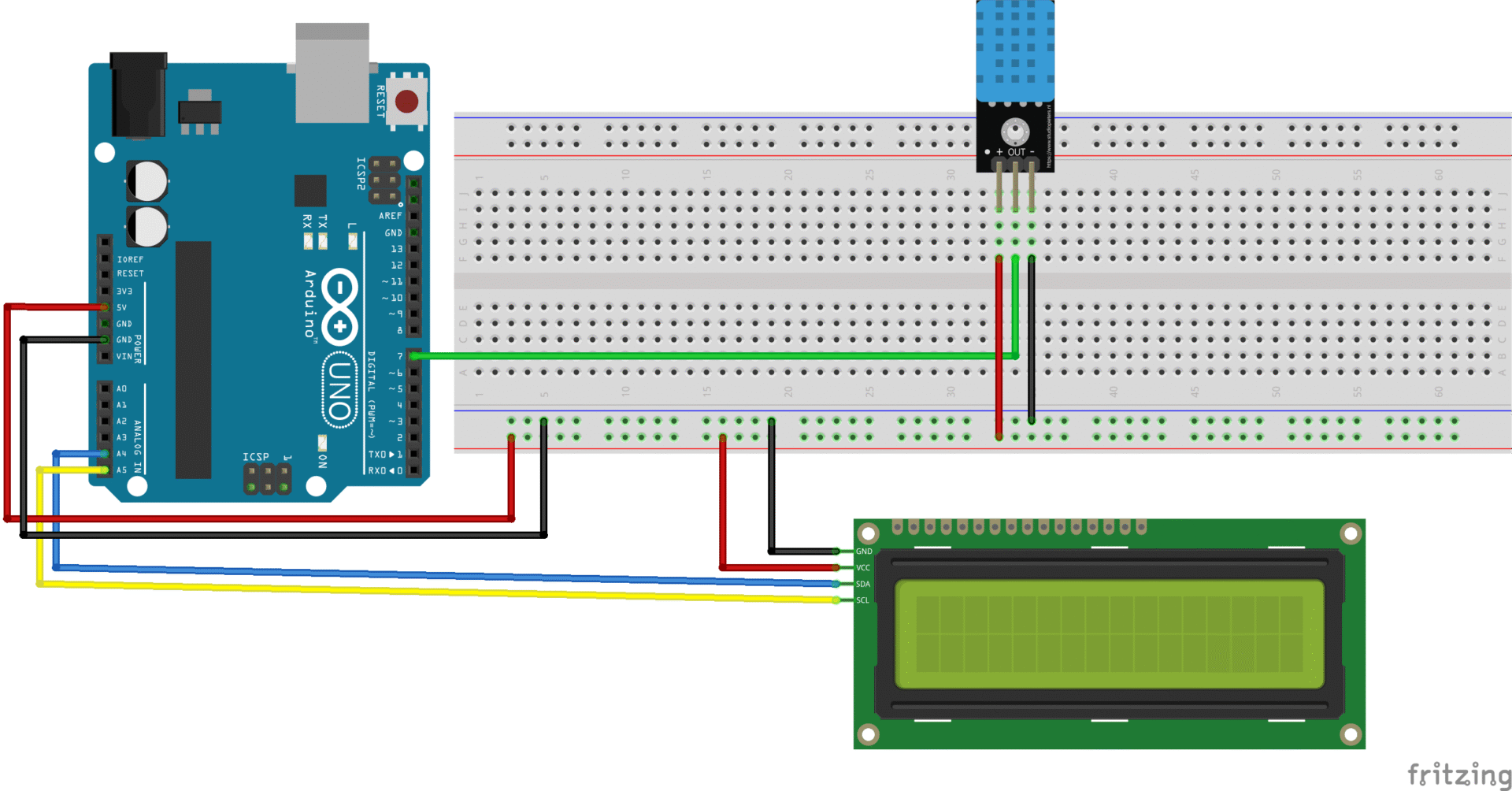
Weather Station (Temperature and Humidity) - Arduino Uno
-

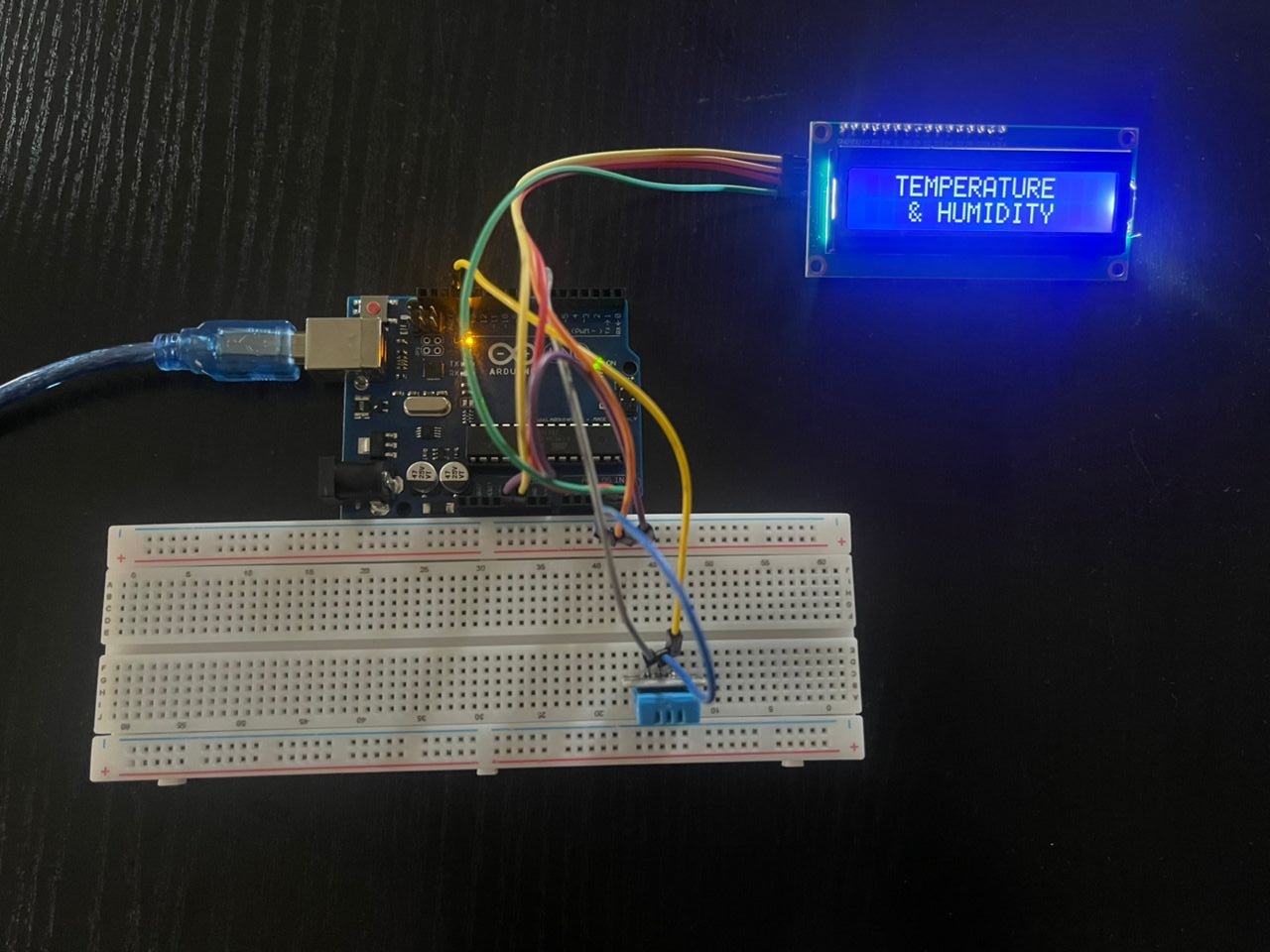
- DHT11 Temp Humidity Startup 1
-
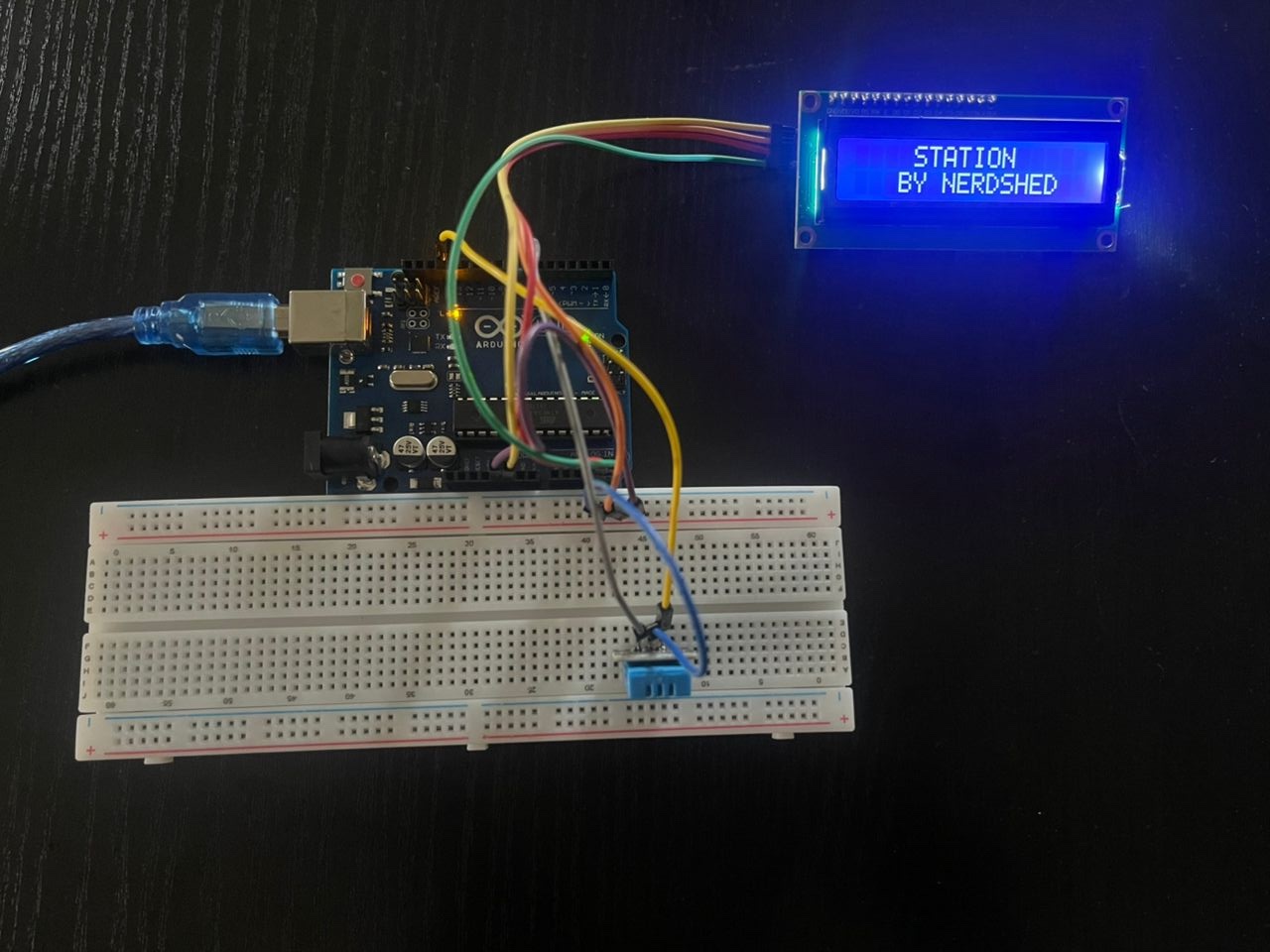
- DHT11 Temp Humidity Startup 2
-
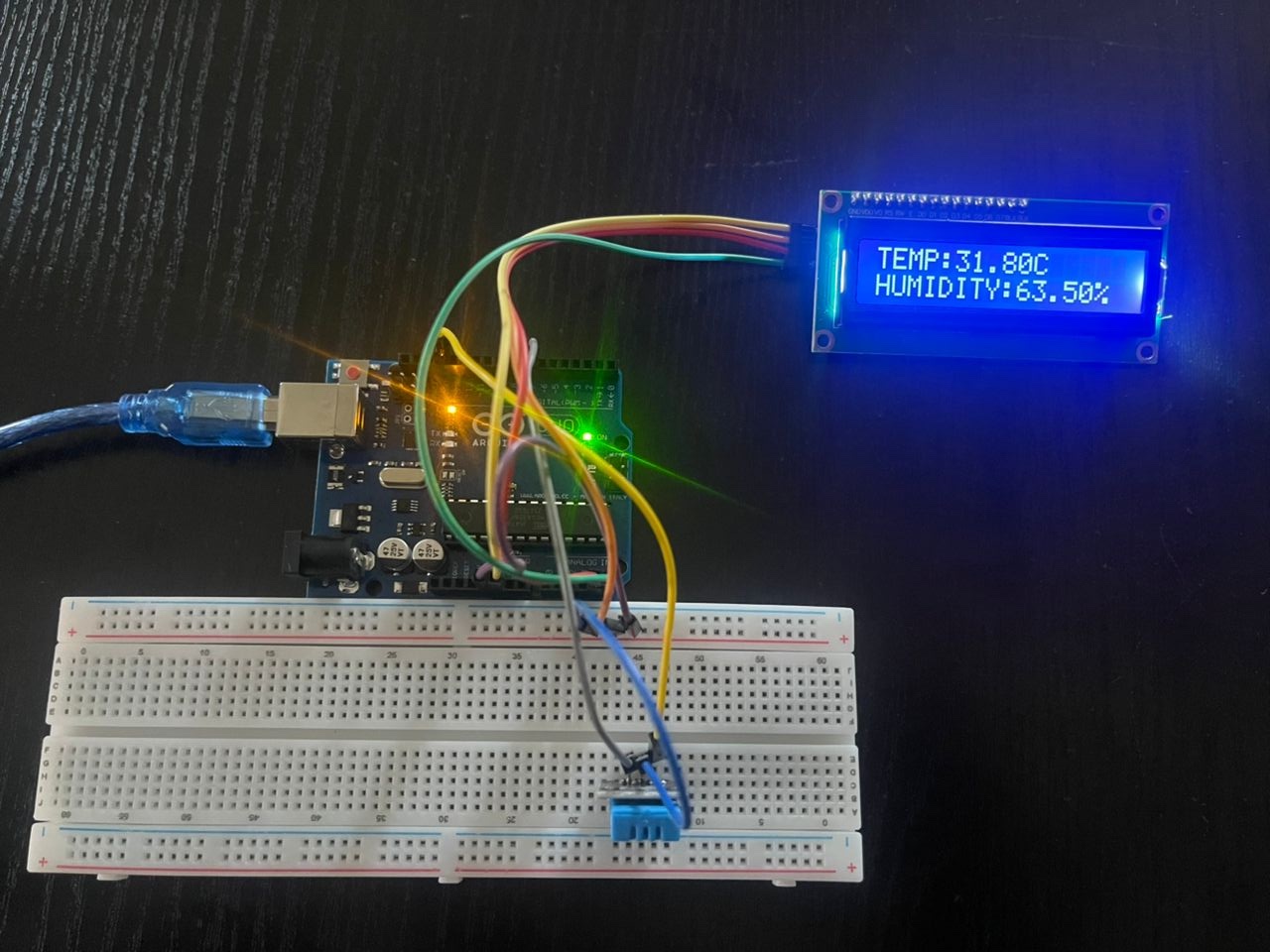
- DHT11 Temperature & Humidity LCD
Project Description
The Temperature & Humidity Station is an environmental monitoring system built using an Arduino Uno, DHT11 sensor, and an LCD with I2C interface. The DHT11 sensor measures real-time temperature and humidity, while the LCD displays the values clearly for easy observation. This station provides quick, reliable readings and is suitable for weather tracking, indoor climate monitoring, and environmental experiments. Its simple design makes it ideal for beginners, educational purposes, and practical applications where basic atmospheric measurement is required.
Components
- Arduino Uno
- LCD
- LCD I2C converter
- Jumper wires
- Breadboard
- DHT11 Sensor
Code
#include "DHT.h"
#include <LiquidCrystal_I2C.h>
#include <Wire.h>
LiquidCrystal_I2C lcd(0x27,16,2);

#define DHTPIN 7


// Digital pin connected to the DHT sensor
#define DHTTYPE DHT11   // DHT 11
//#define DHTTYPE DHT22   // DHT 22  (AM2302), AM2321
//#define DHTTYPE DHT21   // DHT 21 (AM2301)

// Initialize DHT sensor.
DHT dht(DHTPIN, DHTTYPE);

void setup() {
  Serial.begin(9600);
  Serial.println(F("DHTxx test!"));
  lcd.init();
  lcd.backlight();
  lcd.print("  TEMPERATURE ");//lcd display
  lcd.setCursor(0, 1); // lcd should display
  lcd.print("   & HUMIDITY  ");// lcd display Matric no
  delay(3000);
  lcd.clear();//lcd should clear
  lcd.print("    STATION ");//lcd display
  lcd.setCursor(0, 1); // lcd should display
  lcd.print("   BY NERDSHED  ");// lcd display Matric no
  delay(3000);
  lcd.clear();//lcd should clear
  dht.begin();

}

void loop() {
  // Wait a few seconds between measurements.
  //delay(2000);
  // Reading temperature or humidity takes about 250 milliseconds!
  // Sensor readings may also be up to 2 seconds 'old' (its a very slow sensor)
  float h = dht.readHumidity();
  // Read temperature as Celsius (the default)
  float t = dht.readTemperature();
  // Read temperature as Fahrenheit (isFahrenheit = true)
  float f = dht.readTemperature(true);

  // Check if any reads failed and exit early (to try again).
  if (isnan(h) || isnan(t) || isnan(f)) {
    Serial.println(F("Failed to read from DHT sensor!"));
    return;
  }
  Serial.print(F("Humidity:"));
  Serial.print(h);
  Serial.println(F("% "));
  Serial.print(F("Temperature:"));
  Serial.print(t);
  Serial.print(F("C "));
  lcd.clear();
  lcd.print("TEMP:");
  lcd.print(t);
  lcd.print(F("C "));
  lcd.setCursor(0, 1);
  lcd.print("HUMIDITY:");
  lcd.print(h);
  lcd.print("%");
  delay(2000);
  }
Taking things further
- Add Data Logging
- Add IoT Connectivity to read over the internet using WiFi or GSM modules (sold separately)
- Send data via sms to a phone using GSM module (not included)