
8x8 Dot Matrix Display - Arduino Uno
-

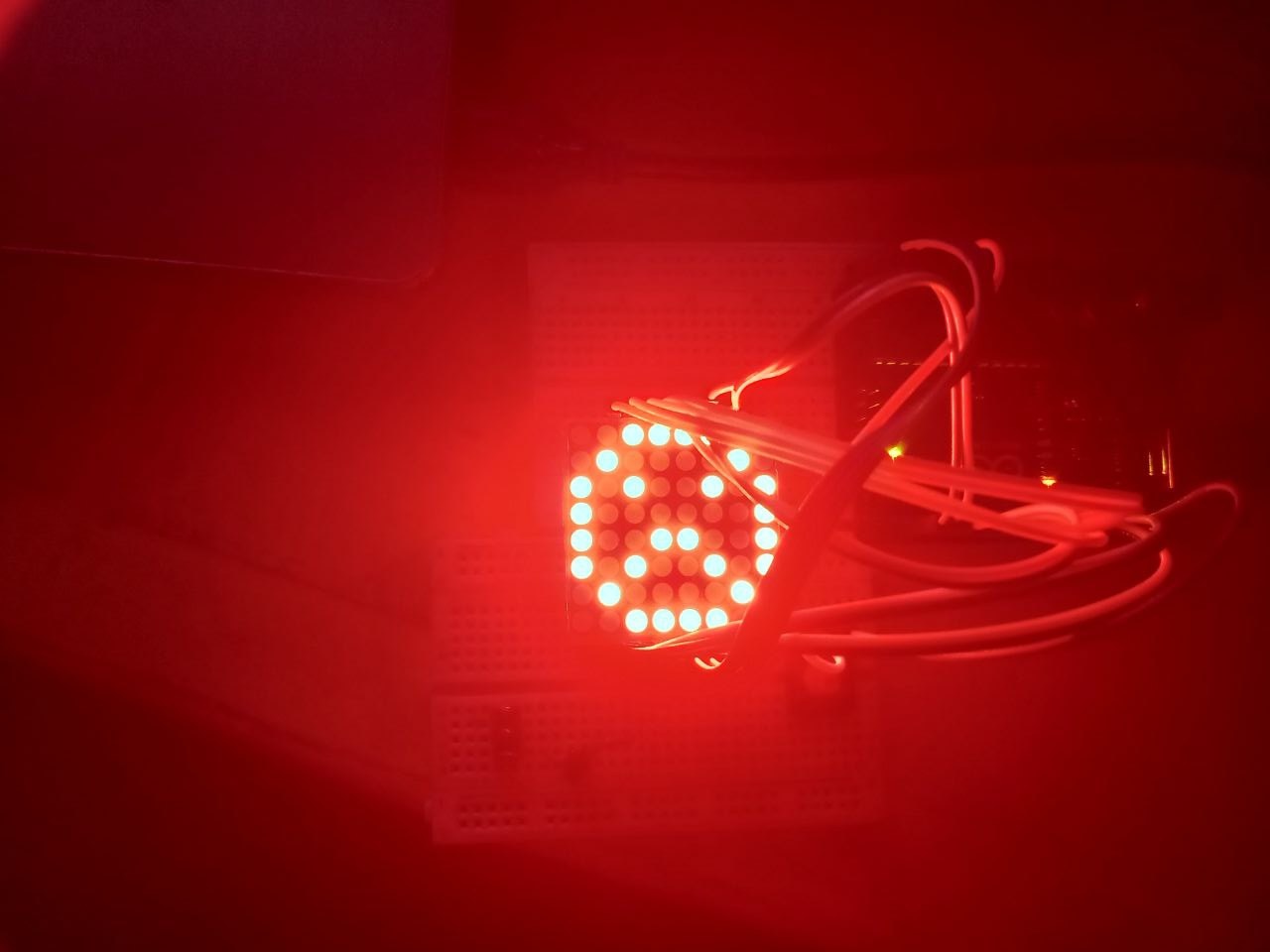
- 8×8 Matrix – Sad Face
-
- 8×8 Matrix – Smiling Face
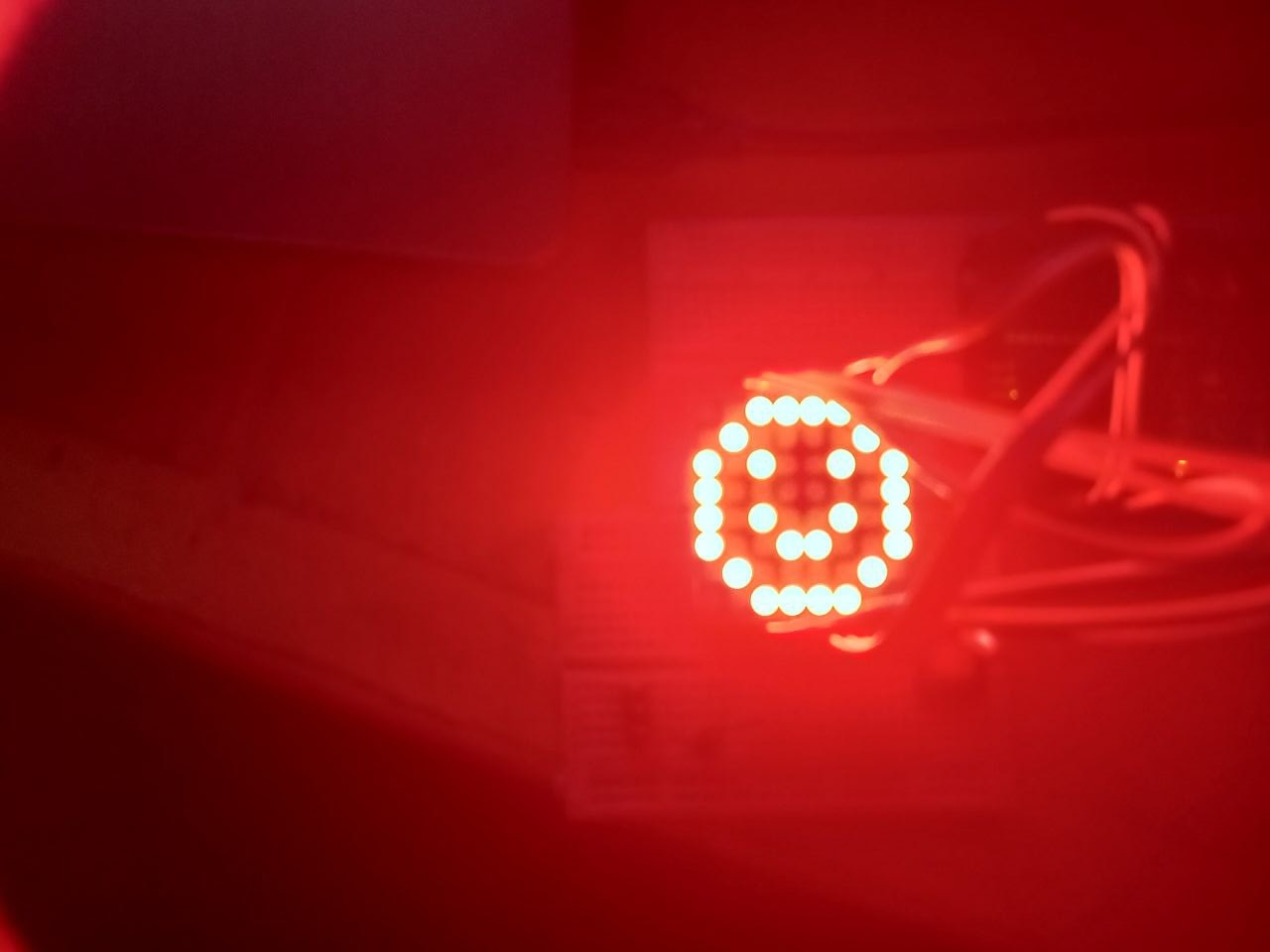
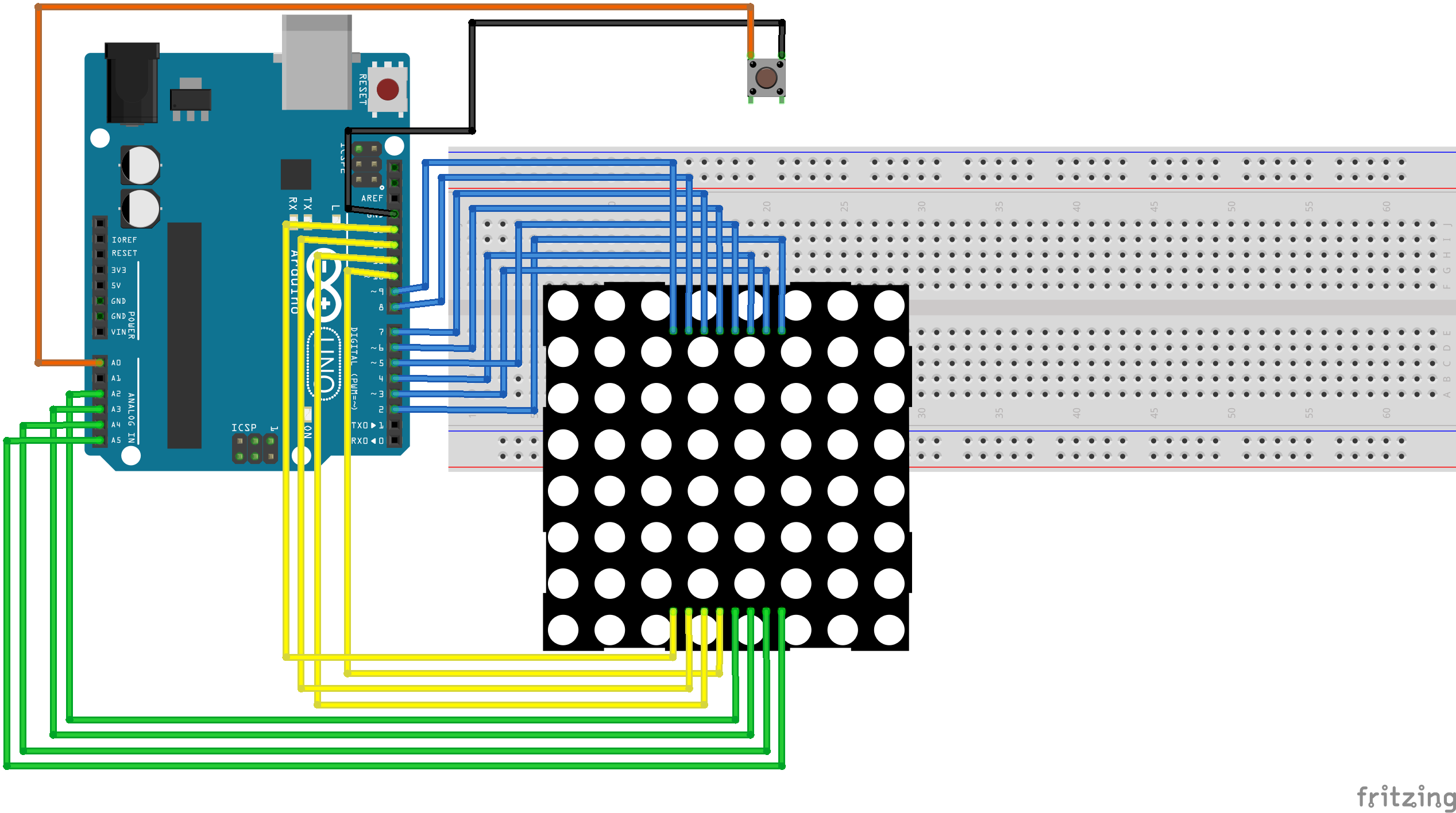
This project demonstrates the use of an 8×8 LED matrix controlled by an Arduino microcontroller to display visual expressions in the form of a happy face and a sad face. The system is implemented on a breadboard using jumper wires for connections and a push button for user interaction.
The Arduino controls the LED matrix through row and column multiplexing, where each LED is addressed by activating a specific row and column combination. Predefined binary patterns stored in the Arduino program represent the happy and sad facial expressions. When the push button is pressed, the Arduino switches between the two display patterns, allowing the matrix to alternate between a smiling face and a sad face.
The push button provides a simple and reliable input method, enabling manual control of the displayed expression without the need for additional hardware.
- Arduino Uno
- Jumper wires
- 8X8 LED matrix display
- Breadboard
- Push button
// ROW and COLUMN pins
int R[] = {2,7,A5,5,13,A4,12,A2};
int C[] = {6,11,10,3,A3,4,8,9};

// Push button pin
const int buttonPin = A0;
bool showSmile = true;
bool lastButtonState = HIGH;
unsigned long lastDebounceTime = 0;
unsigned long debounceDelay = 50;  // 50 ms debounce

// Smiling face
unsigned char smile[8][8] =
{
  {0,0,1,1,1,1,0,0},
  {0,1,0,0,0,0,1,0},
  {1,0,1,0,0,1,0,1},
  {1,0,0,0,0,0,0,1},
  {1,0,1,0,0,1,0,1},
  {1,0,0,1,1,0,0,1},
  {0,1,0,0,0,0,1,0},
  {0,0,1,1,1,1,0,0}
};

// Sad face
unsigned char sad[8][8] =
{
  {0,0,1,1,1,1,0,0},
  {0,1,0,0,0,0,1,0},
  {1,0,1,0,0,1,0,1},
  {1,0,0,0,0,0,0,1},
  {1,0,0,1,1,0,0,1},
  {1,0,1,0,0,1,0,1},
  {0,1,0,0,0,0,1,0},
  {0,0,1,1,1,1,0,0}
};

void setup()
{
  for(int i = 0; i < 8; i++)
  {
    pinMode(R[i], OUTPUT);
    pinMode(C[i], OUTPUT);
  }
  pinMode(buttonPin, INPUT_PULLUP);
}

void loop()
{
  // Read the button
  bool reading = digitalRead(buttonPin);

  // Debounce
  if (reading != lastButtonState) {
    lastDebounceTime = millis();
  }

  if ((millis() - lastDebounceTime) > debounceDelay) {
    if (reading == LOW) { // Button pressed
      showSmile = !showSmile; // Toggle face
      delay(200);
    }
  }

  lastButtonState = reading;

  // Display the chosen face
  if(showSmile) {
    Display(smile);
  } else {
    Display(sad);
  }
}

void Display(unsigned char dat[8][8])
{
  for(int c = 0; c < 8; c++)
  {
    digitalWrite(C[c], LOW);

    for(int r = 0; r < 8; r++)
    {
      digitalWrite(R[r], dat[r][c]);
    }

    delay(1);
    Clear();
  }
}

void Clear()
{
  for(int i = 0; i < 8; i++)
  {
    digitalWrite(R[i], LOW);
    digitalWrite(C[i], HIGH);
  }
}
- Use the shift register 74HC595 included in the kit to use less I/O pins
- Add a Dedicated LED Matrix Driver (MAX7219)
- Add Animated Transitions
- Add Brightness Control